The honest guide to buying video brochures
A video brochure can be simple, highly customized, or almost anything in between. This guide walks you through the formats, features, design decisions, pricing factors, and timelines that matter—so you can plan the right piece before requesting an estimate.
What is a video brochure? · Formats · Customization · Design · Pricing · Timeline · FAQs
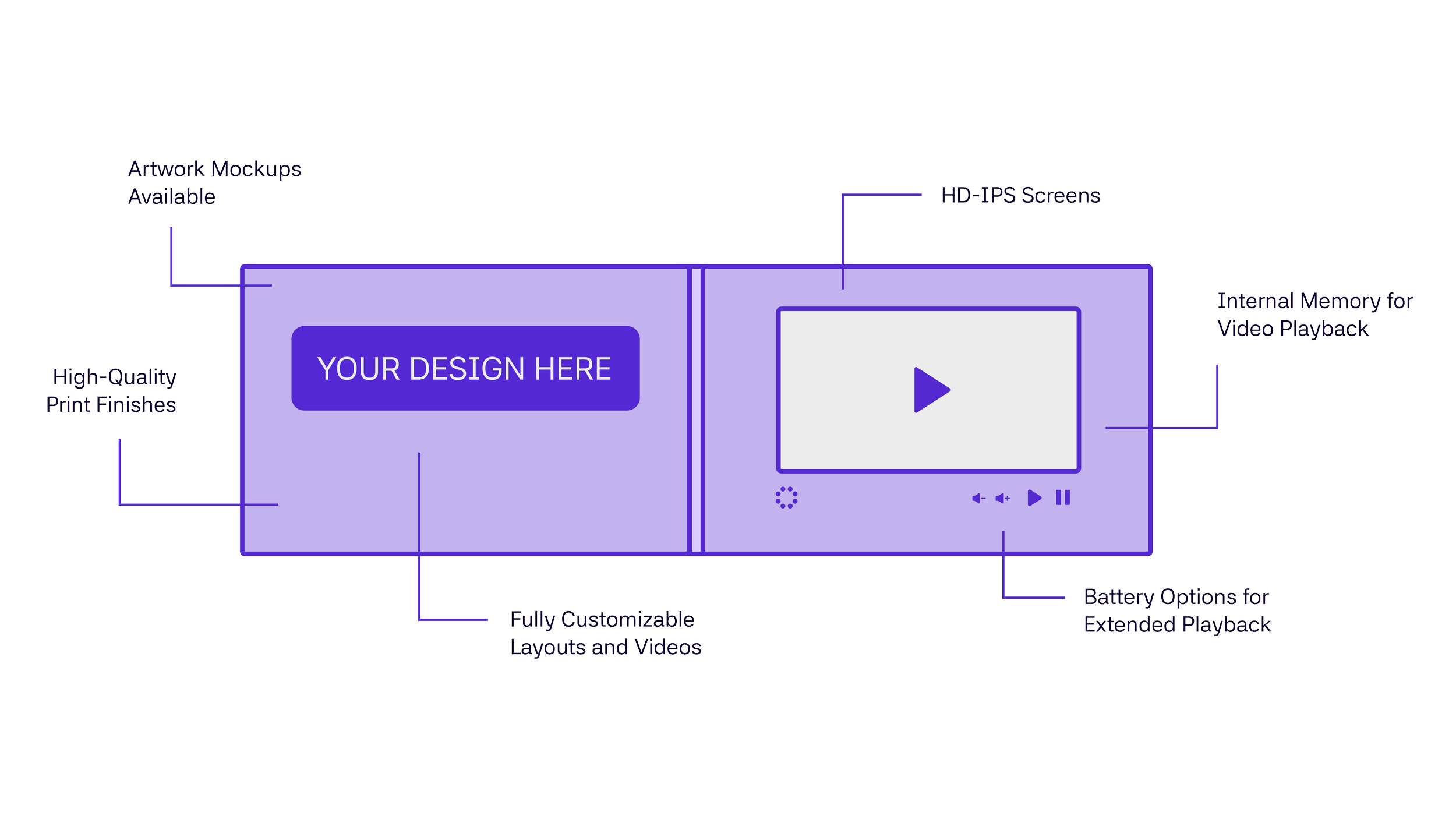
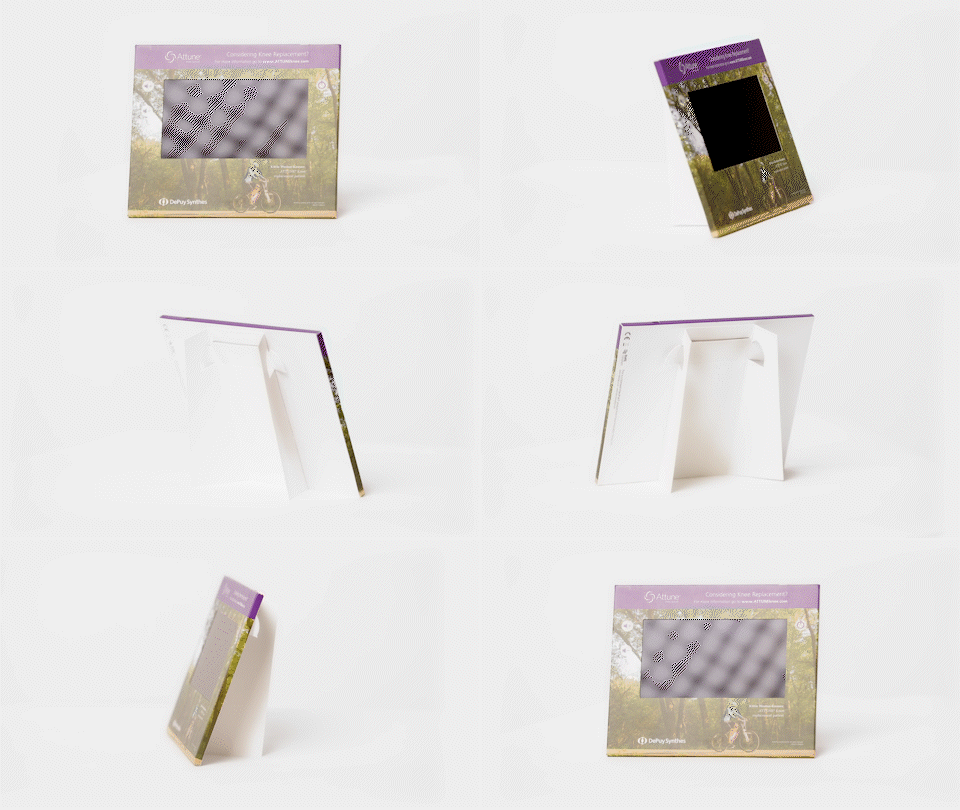
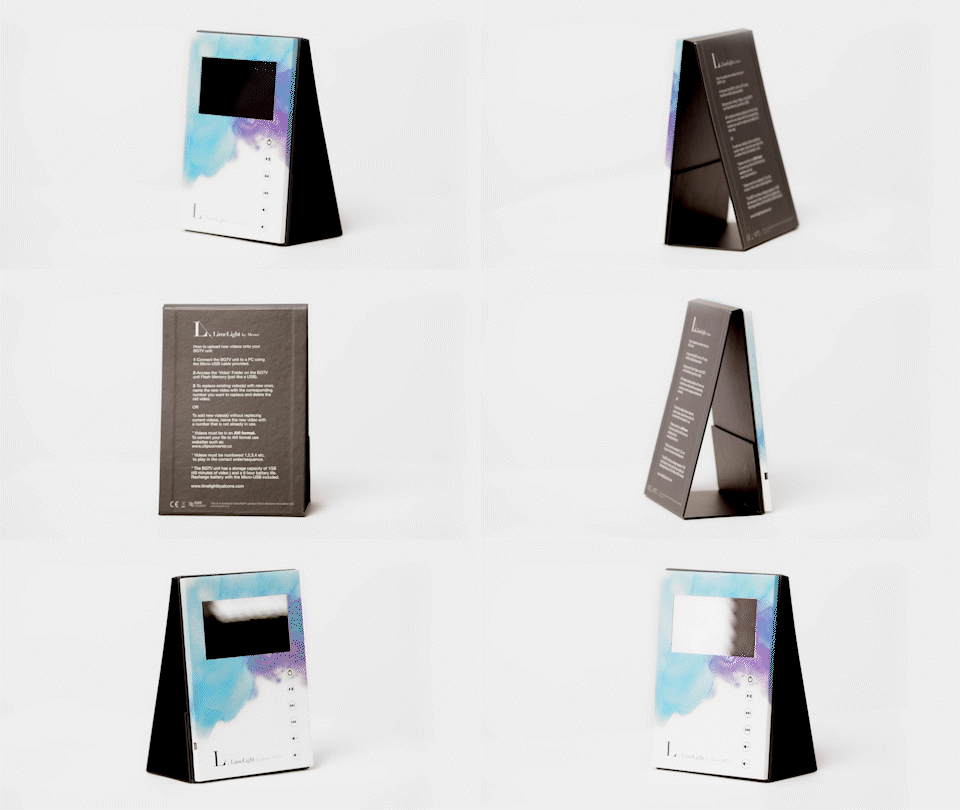
A video brochure is a custom-printed piece with a built-in screen, speaker, playback controls, and rechargeable battery.
When the recipient opens it, the video begins playing automatically. There is no app to download, link to follow, login to remember, or internet connection required.
It combines the clarity and emotion of video with the staying power of something physical—making it especially useful when the audience is valuable, the message is complex, or the moment deserves more than another email.
What is a video brochure?

Explore Video Product Formats
“Video brochure” is often used as a catch-all term, but screens can be built into many different printed formats. The right choice depends on who will receive it, how it will be delivered, what it needs to hold, and what you want the recipient to do next.
-
![]()
Video Brochures
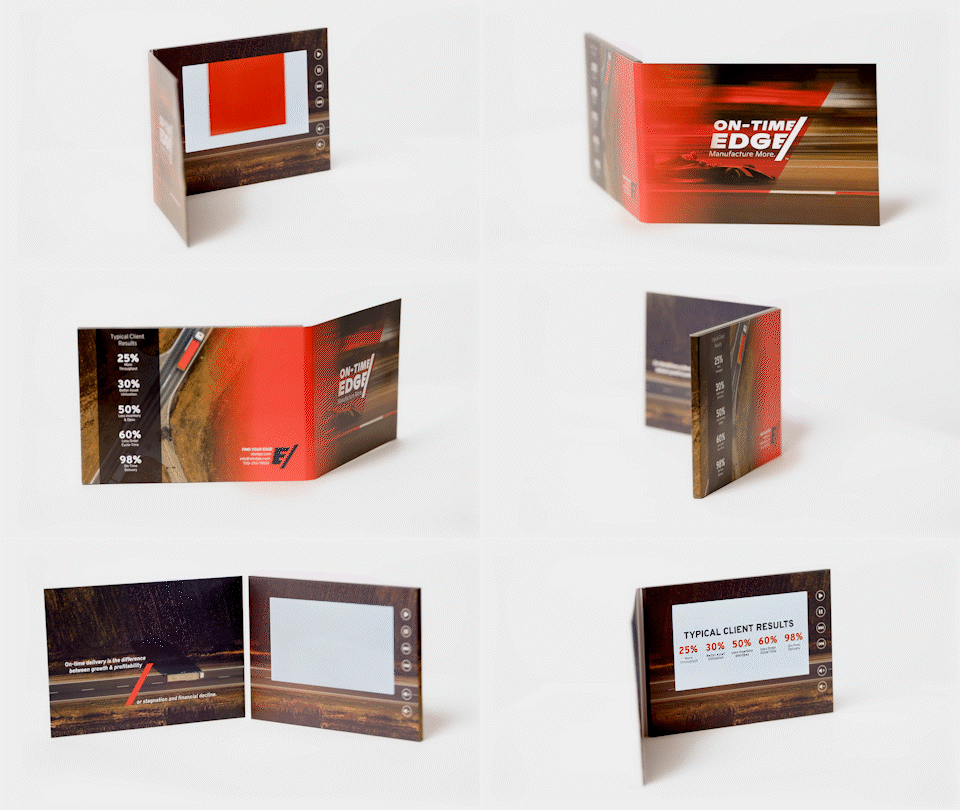
The most familiar format: a compact printed brochure with an embedded screen. A strong choice for product launches, executive communications, presentations, event follow-up, and high-value sales outreach.
-
![]()
Video Mailers
Created with shipping in mind. Video mailers can range from streamlined brochure formats to more dimensional packages, depending on the experience and any additional materials being included.
-
![]()
Video Boxes
A premium format that combines video with products, samples, gifts, or sales materials. Custom inserts organize and protect the contents while making the unboxing part of the experience.
-
![]()
Video books
Hardcover, multi-page formats create more room to guide the recipient through a longer story. They work especially well for complex products, detailed information, and decisions that require more explanation.
-
![]()
Video Folders
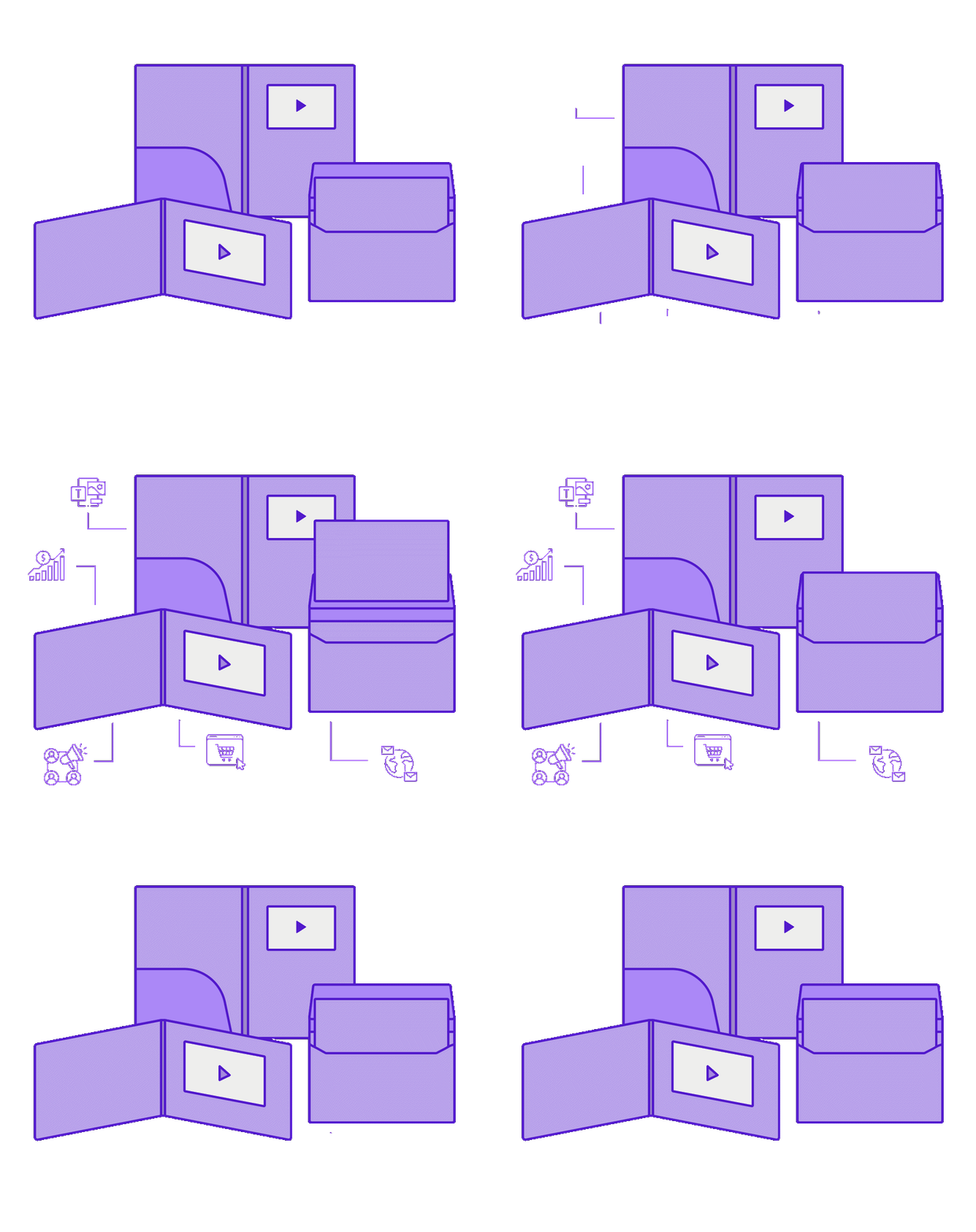
Video folders combine an embedded screen with pockets for printed materials, inserts, and supporting documents—making them a strong fit for sales presentations, proposals, and information-heavy campaigns.
-
![]()
Business Cards
A compact, portable format that puts video into a familiar, easy-to-share size. Video business cards work well for introductions, sales follow-ups, event takeaways, and other moments when you want to make a stronger first impression.


When does a video brochure make sense?
Video brochures work best when reaching the right people matters more than reaching the largest possible audience.
Common uses include account-based marketing, direct mail, sales enablement, product launches, event invitations and follow-up, customer education, executive communications, recruiting, and premium gifting.
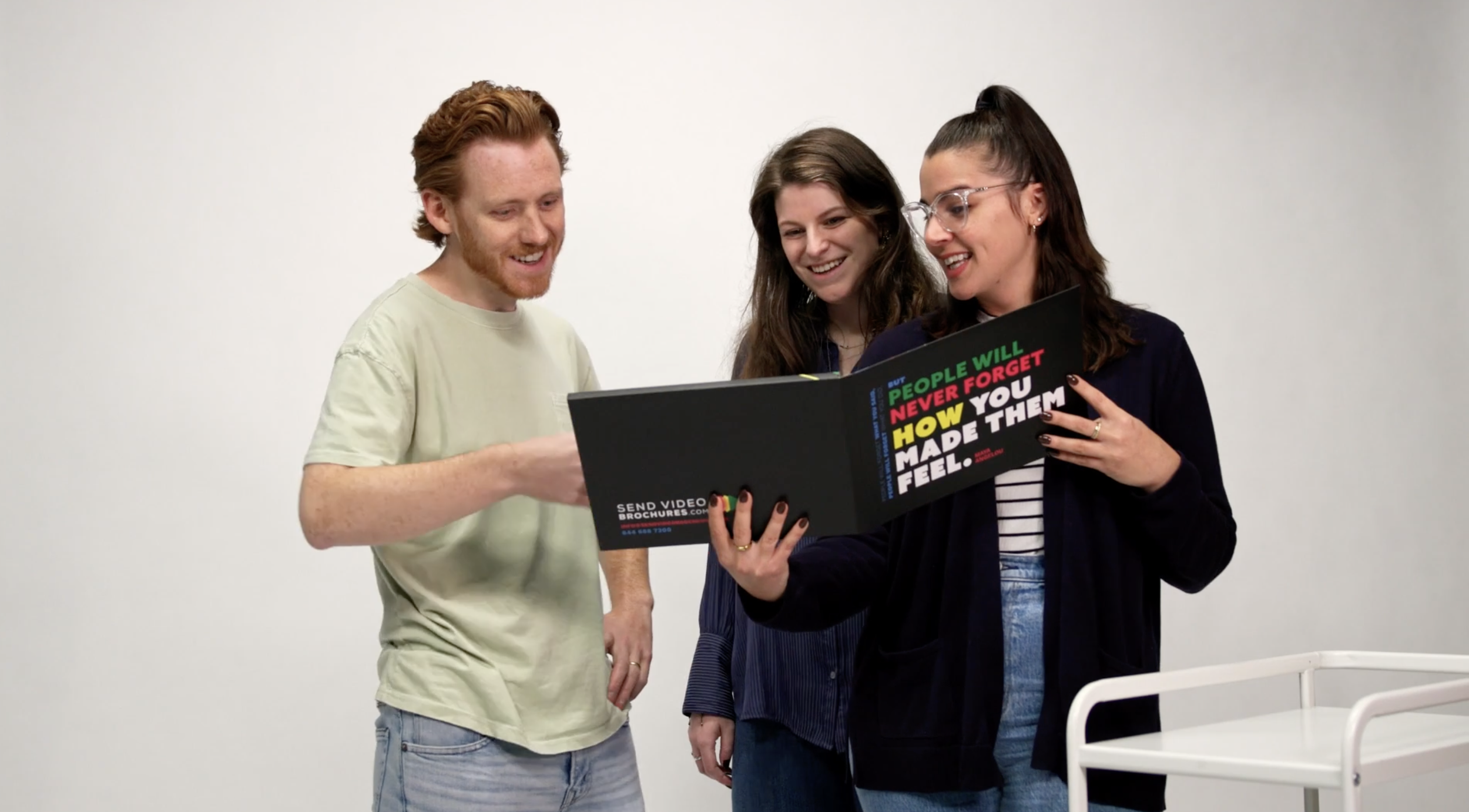
The choices that shape your video brochure
You do not need to have every detail figured out before requesting an estimate. We can guide you through the options and tradeoffs.
These are the decisions that will have the biggest effect on the experience, timeline, and cost.
-
Start with the audience and intended response.
Are you opening a conversation with a focused list of prospects? Introducing a new product? Following up after an event? Educating customers? Sending a premium gift?
The answer should guide every decision that follows.
-
A brochure keeps the experience compact and focused. A mailer prioritizes delivery. A box creates room for products or gifts. A book or folder provides more space for printed information.
The best format is usually the simplest one that supports the message and the recipient experience.
-
Larger screens create a more immersive experience, while smaller screens help keep the product compact and cost-conscious.
Standard products commonly use 4-inch, 7-inch, and 10-inch screens, with other sizes available for select formats. Screen size should follow the content—not simply the desire to go bigger.
-
A video brochure can autoplay one video when opened or include buttons that allow the viewer to choose between several videos.
Controls may include:
Play and pause
Volume
Next and previous
Replay
Individual video-selection buttons
Keep the interaction as simple as the story allows. If one video can communicate the message clearly, additional buttons may not improve the experience.
-
Consider how much printed information or physical material the piece needs to hold.
Available options may include:
Softcover or hardcover construction
Additional pages or foldouts
Pockets for printed materials
Magnetic closures
Die-cut elements
Custom inserts
Product or gift compartments
-
Print finishes can make the piece feel more premium and draw attention to important details.
Options may include matte or gloss lamination, soft-touch or anti-scuff finishes, spot UV, foil, embossing, and edge-to-edge printing.
The strongest finishes support the design instead of competing with it.
-
Decide early whether the full order will ship to one location, be distributed internally, or be mailed directly to individual recipients.
Address lists, personalization, packaging, inserted materials, postage, and delivery destinations can affect the product design, timeline, and budget.
SVB can support individual shipping, kitting, mailing, and nationwide fulfillment so the finished products reach the right people—not just your loading dock.
Explore Products and Pricing
Compare formats, features, customization options, and estimated pricing to find the right starting point for your project.
How to design a video brochure that works
A successful video brochure feels like one connected experience—not a screen placed inside a printed piece.
The print, video, structure, and call to action should all work together.
-
Think about the full sequence:
What does the recipient see before opening the piece?
What is revealed around the screen?
What begins playing immediately?
What should the recipient understand or feel in the first few seconds?
That open → play → wow moment is what makes the format so effective.
-
Use print for information that benefits from being scanned or revisited: headlines, diagrams, proof points, supporting details, contact information, or a clear next step.
Let video handle emotion, demonstration, explanation, and story.
-
The screen will naturally become the focal point. Supporting copy should guide the eye without making the layout feel crowded.
More available space does not mean every area needs to be filled.
-
Finalize the product format and screen placement before completing the artwork. Safe areas, folds, buttons, pockets, and die-cuts all affect the usable design space.
We will provide the correct artwork template for the selected product.
-
If the product includes multiple videos or controls, clearly label each button and keep the number of choices limited.
The viewer should understand what to press without needing separate instructions.
-
What should the recipient do after watching?
That may be contacting a representative, scanning a QR code, visiting a landing page, scheduling a meeting, reviewing the included materials, or sharing the piece with another decision-maker.
One strong call to action is better than several competing ones.
-
The video does not need to be long to be effective. It needs to earn attention quickly, communicate the message clearly, and lead naturally to the next step.
In many cases, one concise primary video—or a short menu of clearly labeled videos—creates a stronger experience than loading every available asset onto the device.
If your video is already finished, we can format and load it onto the selected products. If it needs additional work, video editing and production support are also available.
For agencies and creative teams, we are equally comfortable working with your completed creative and established campaign direction. Our role can remain focused on producing, loading, and delivering the finished video products.
What do video brochures cost?
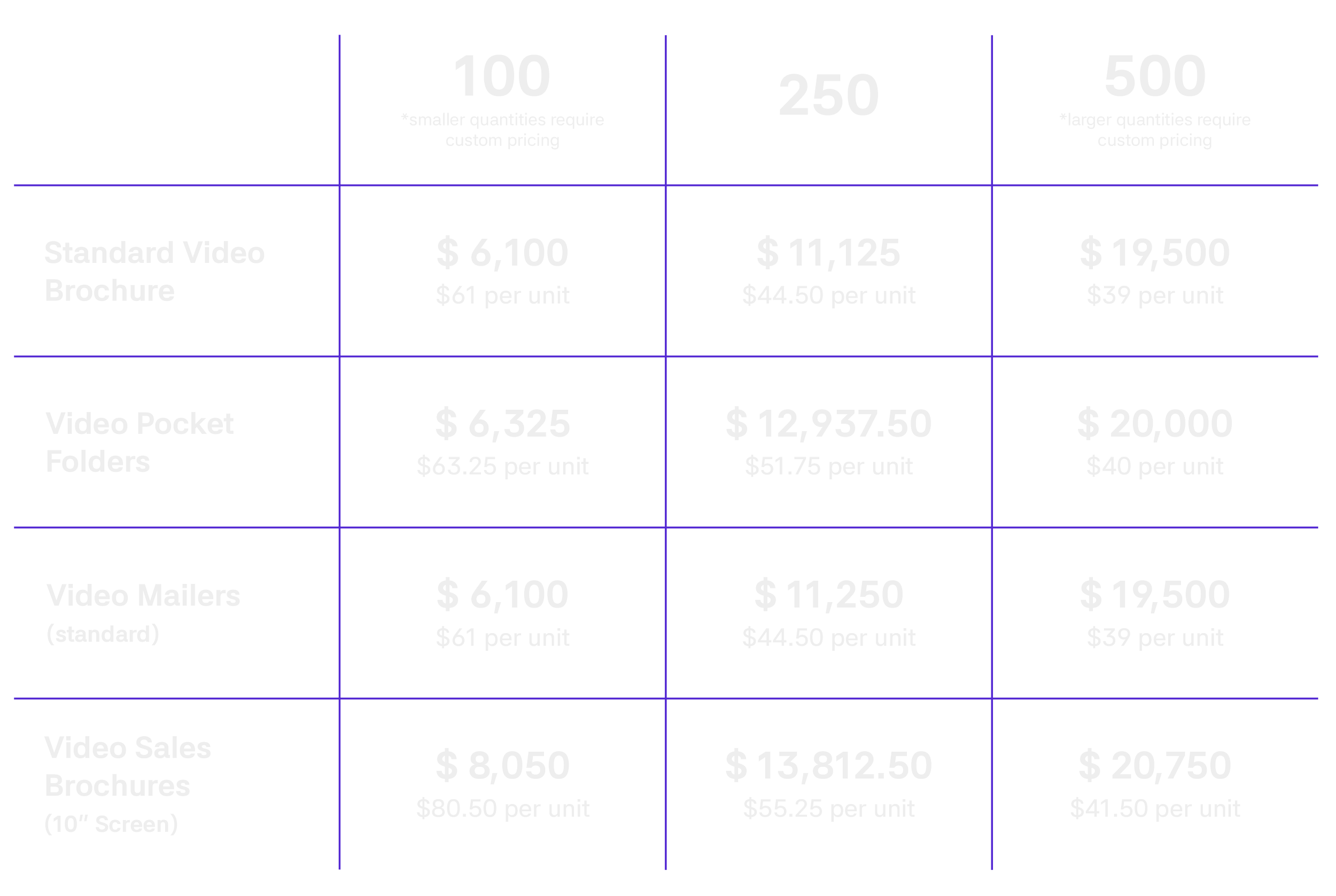
What has the biggest effect on price?
-
Larger orders generally reduce the per-unit cost because setup and production costs are spread across more pieces.
-
Larger screens typically cost more and may require a larger printed format.
-
A standard softcover brochure is generally more cost-efficient than a hardcover book, dimensional box, or custom structure.
-
Foil, spot UV, embossing, soft-touch coatings, die-cuts, and other upgrades add production steps and cost.
-
More videos, larger files, and longer playback requirements may call for upgraded components.
-
Individually printed pieces, personalized videos, and smaller versioned runs require additional setup and handling.
-
Editing, production, motion graphics, captions, formatting, and versioning should be included in the budget when needed.
-
Packaging, postage, list preparation, kitting, and individual delivery affect the total program cost.
What to Expect
The SendVideoBrochures.com team is happy to guide you through our efficient planning process, so you can have your video brochures in hand in as few as 3 - 6 weeks! Should you require any assistance, our team is at your service.
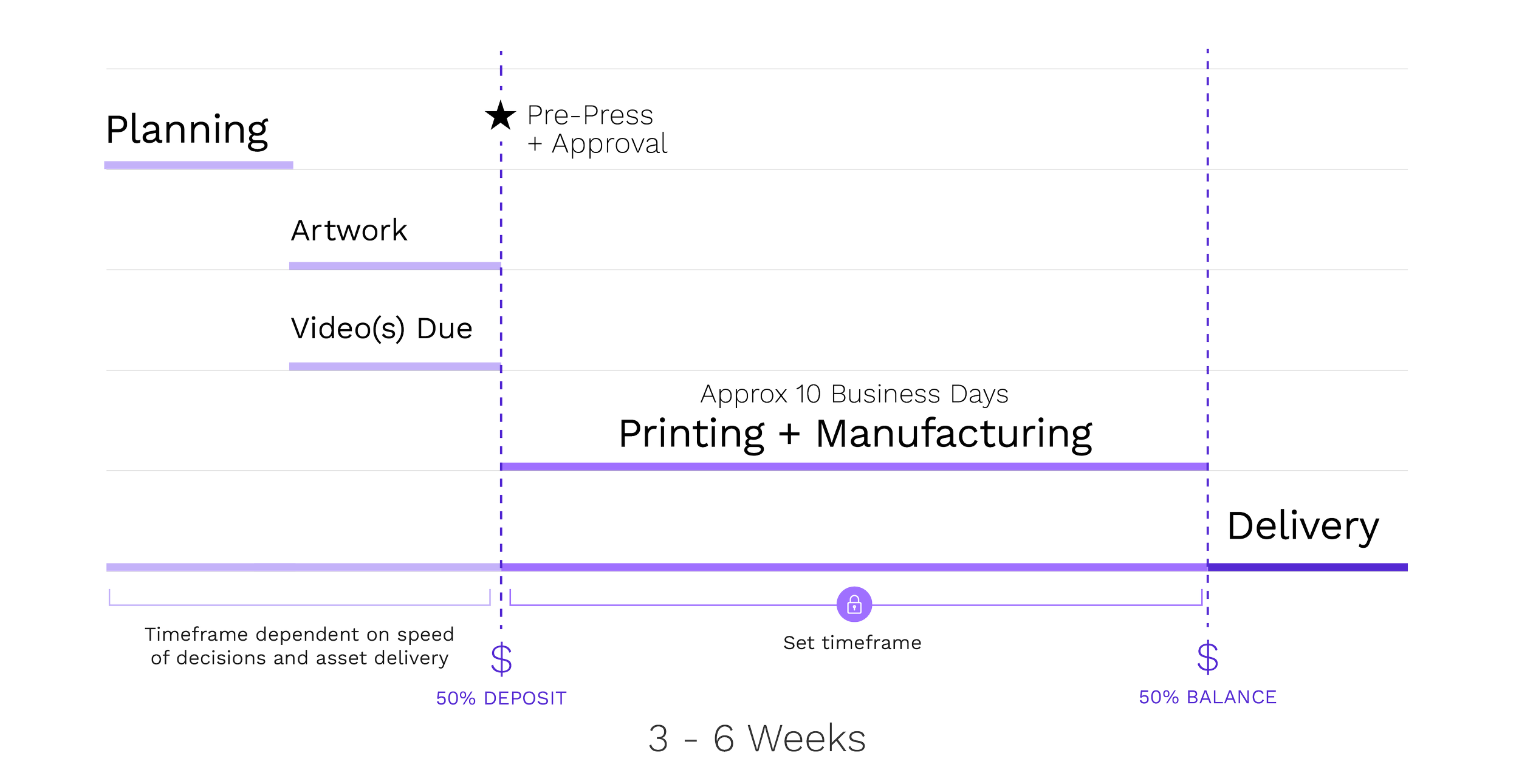
Planning:
Identify the style, size and any customizations for your video brochure product.
Review and approve the price quote shared by our team.
Design:
Share your artwork files in the necessary formats, as well as any video files you’d like to include. We’ll create a designed version of your product for review and approval.
Review & Approval:
Next, we'll create a pre-press, or PDF proof of the printed product for you to make any final tweaks and changes as needed.
Once you provide approval, along with a 50% deposit, your project will transition into the production phase.
Production:
Standard product printing and manufacturing typically takes 8-10 business days, while custom products and finishing options may require additional time.
Delivery:
As soon as your video brochures are finalized, we will share images of the products with you, at which point we’ll require the remaining 50% payment prior to shipping.
Once payment is received, the finished products will be shipped immediately from one of our two fulfillment centers.
Frequently asked questions
-
Yes. Video files can typically be updated by connecting the product to a computer with a USB cable. Files can also be configured to prevent unintended access or deletion when required.
-
No. The files are stored on the device, so playback does not require an internet connection, app, or login.
-
Yes. Video brochures include a built-in speaker. Button configurations can also include volume controls.
-
Yes. Multiple videos can be loaded and assigned to clearly labeled buttons. Memory and navigation should be planned around the number and size of the files.
-
Yes. The products use rechargeable batteries and include a USB cable for charging and file transfer.
-
Common file types such as MP4, MOV, and AVI are supported. We will confirm the correct dimensions, resolution, and compression settings for the selected screen.
-
Yes. We can format and load completed videos or provide additional editing and production support when needed.
-
Absolutely. We regularly work alongside agencies and internal creative teams. You can provide the completed artwork and video, and we will focus on product specifications, production, loading, quality control, and delivery.
-
Yes. Mailing and fulfillment support is available, including kitting and shipping to individual recipients. The recommended approach depends on the product format, recipient list, campaign requirements, and delivery locations.
-
Personalized printing and individually loaded video content may be available. Because personalization adds setup and handling, it should be discussed early in the project.
-
Sample and custom-prototype options depend on the selected product. Contact our team to discuss what is available and how sampling may affect the project schedule.
Proven Use Cases of Video Brochures, Video Boxes, Video Books and Video Mailers


Ready to make your message harder to ignore?
Tell us what the piece needs to accomplish, who needs to receive it, and when it needs to arrive.
We will help you identify the right format, features, production specifications, and delivery approach—without adding complexity the project does not need.
Adam Muhlenhaupt, Managing Director
Email: adam@sendvideobrochures.com
Cell: 610.955.8172